Here is a question for you: would you take your phone for a snorkel? This week I took mine – in a SeaLife SportDiver housing! It was an advance birthday present from Wade.

I had the housing for a while, but had not had a chance to put it through its watery paces! Now that we have had a go in the clear waters of the reef and the murky waters of the Whitsundays, it is time to show you the results and share some observations.
A bit about the housing
The SeaLife SportDiver Pro 2500 is a compact and lightweight underwater housing for smartphones for use down to 130 feet or 40 meters. The housing can hold most Android models and all iPhones from iPhone 7 up. There is also a tray and an underwater video light – the Sea Dragon 2500F – which can be bought with the housing or separately, and is needed when you go down deeper. We got the gear from Underwater Australasia, based in Byron Bay. We have used these guys before and have been impressed with their service and speed of response.

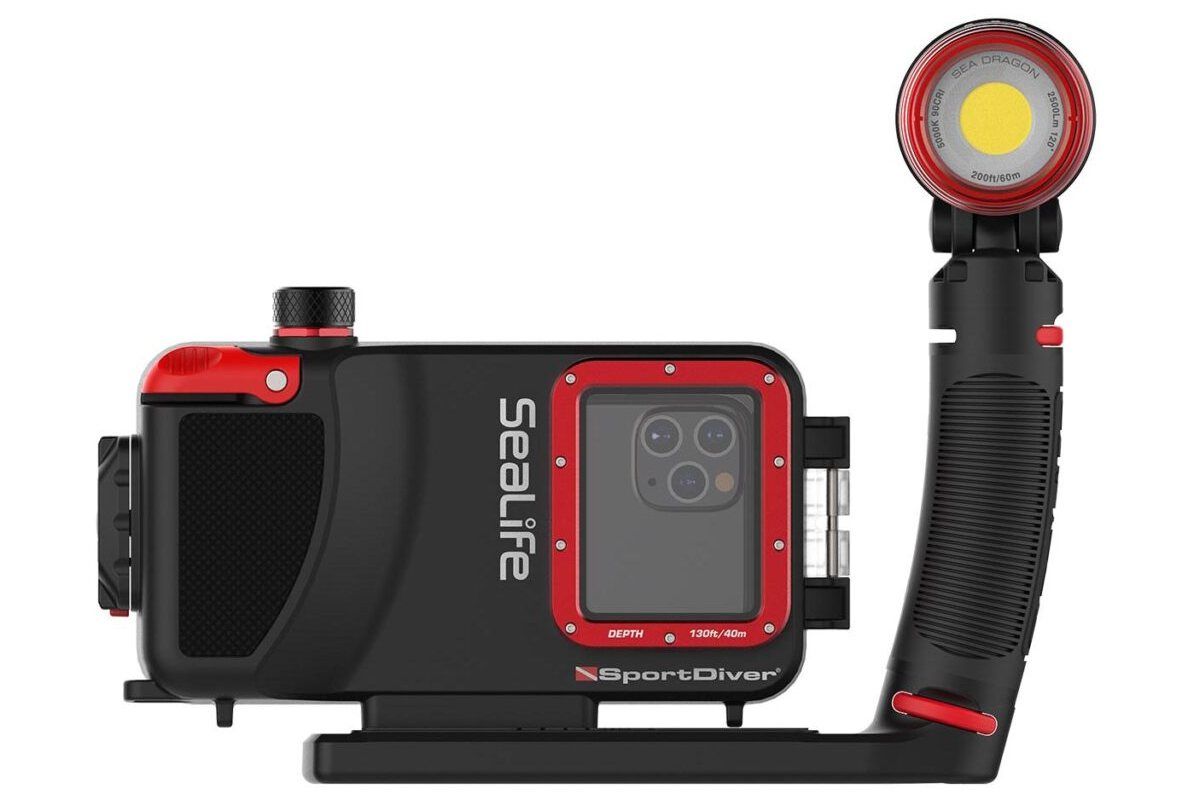
The SportDiver housing automatically connects the smartphone to the SportDiver App using Bluetooth® wireless technology. It is powered by two AAA batteries that last over 50 hours of continuous use. It is easy to hold and use; it offers a large shutter lever and rear control buttons for easy operation, even with diving gloves.
The set up instructions are straight forward. There is a pre-dive checklist with settings for your phone so you don’t get calls, notifications or other interruptions while submerged! Similarly there is a checklist for post dive procedures.
Prepping the housing is easy. Place your smartphone in the housing, turn on, launch the SportDiver app, close the back, apply the vacuum pump following the simple on screen instructions, wait 3.5 minutes for the seal to be confirmed, then you are ready to go.
From there it’s a matter of working the controls to toggle between camera, video, manual adjustments, review modes. The menu system is clunky, but with a little pre-dive couch practice, you get the hang of it.
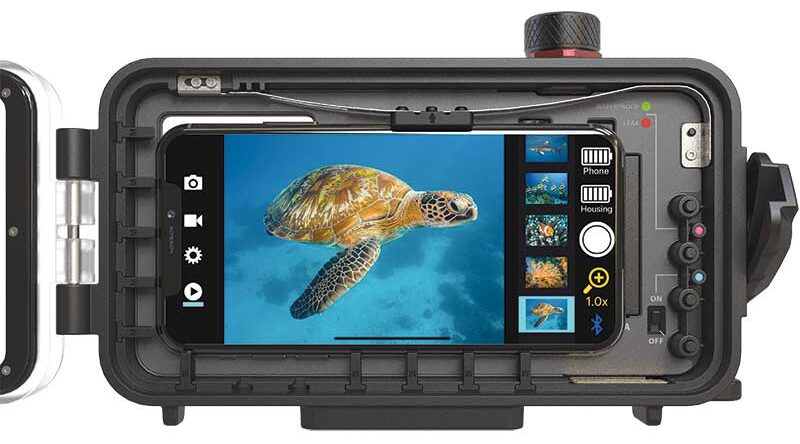
The SportDiver app saves all images and video direct to your Camera Roll, which makes things nice and easy when it comes to editing. You can then share, adjust, delete, or save your aquatic memories.
Let’s get wet!
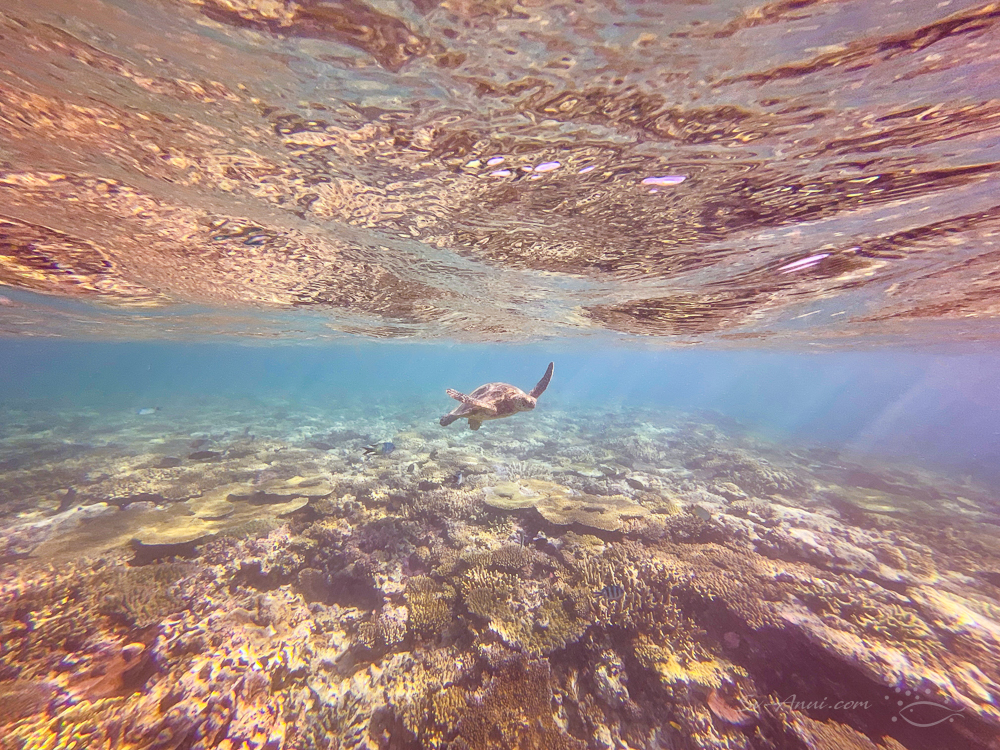
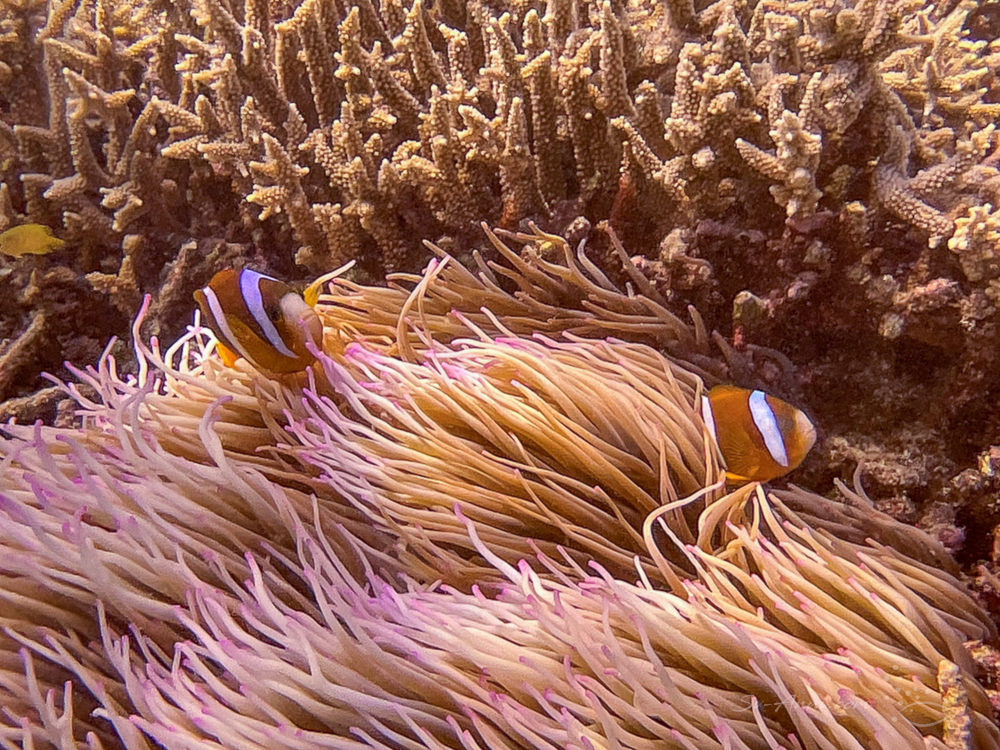
The photos in the first gallery were all taken on a bright and sunny day at the outer reef, with about 15m visibility and a depth of one to three meters.
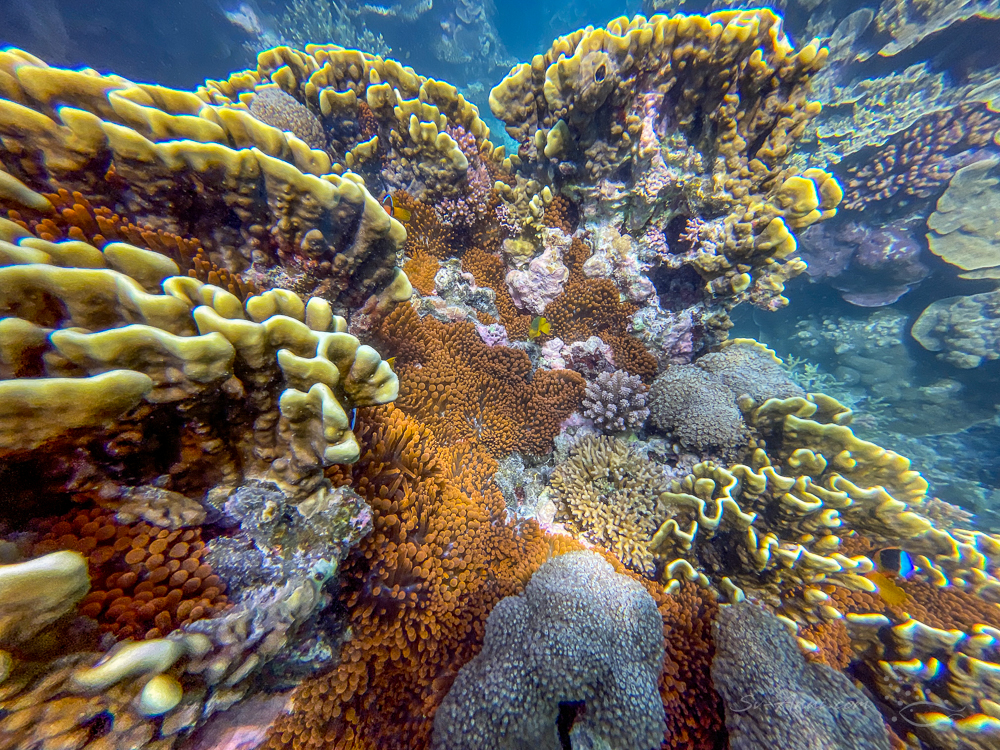
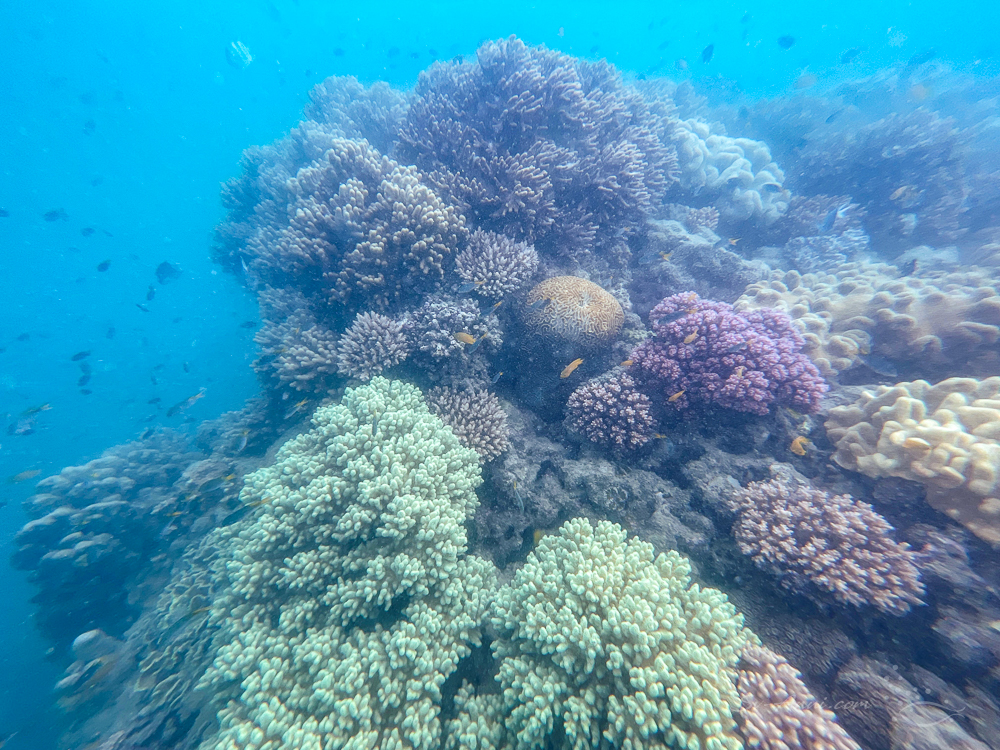
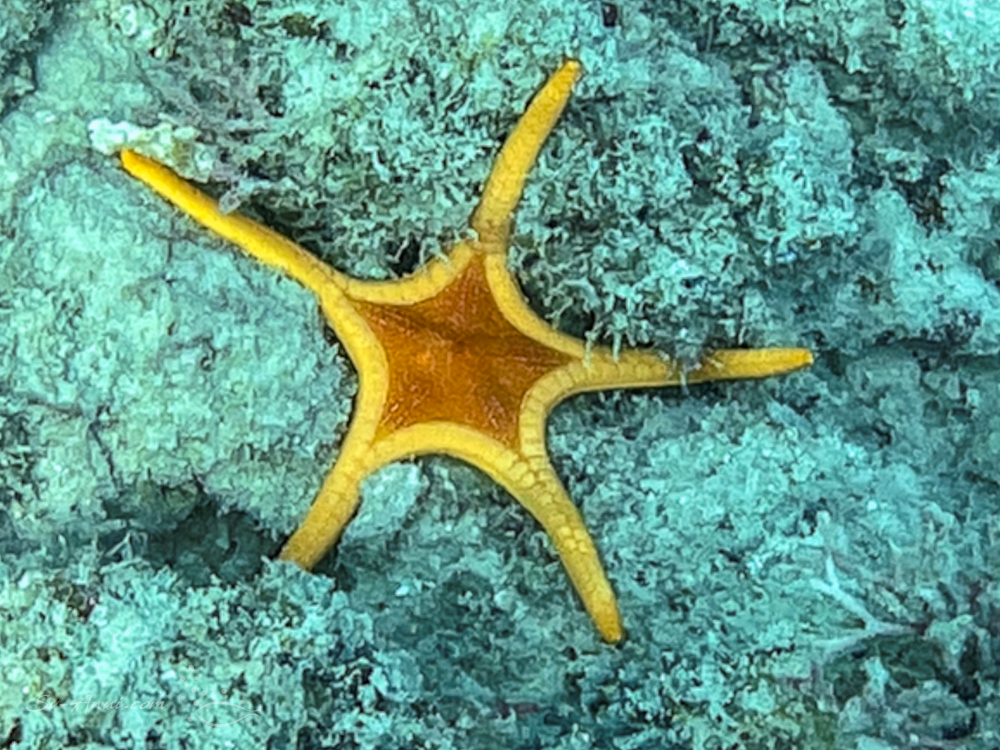
The second gallery was taken on vastly different days and locations. We were in the Whitsundays, the water was murky as is often the case there and made worse after a week of strong wind and rain. The visibility was limited to about five meters. You can see the difference in clarity and luminosity.




Review
My point of reference when operating the phone housing and reviewing the photos is my Olympus TG6 with Ikelite housing and dome lens. Here are a few candid observations.
I was quite pleased with the brightness of most shots. They looked luminous, especially the ones taken on a bright day at the reef. Even in dull conditions, the captures were clear and in some way better than what we were actually seeing.
The sensor size in the camera will play a significant role in image quality. The iPhone 12 has a 12 megapixel sensor, equivalent to my Olympus TG6 camera. Later models might be better.
The digital zoom as it is called on a smart phone is not a true optical zoom. Coming from a 4X optical zoom lens on the Olympus, I found the iPhone fixed focal length lenses slow to use to move from wide to extra wide and 1X to 5X magnification and not as effective as a true optical zoom. Underwater, when you’re thumbling around trying to get a nice shot, the transition could be smoother!
The main issue I found was due to the smartphone, not the housing or the app. The slight shutter delay on the phone meant focus with moving subjects was a little soft or completely out at times. With stationary and close up subjects the camera performed well.
For wide angle shots, the photographs were sharp in the centre, but there was a bit of fuzziness and distortion on the outside edges.
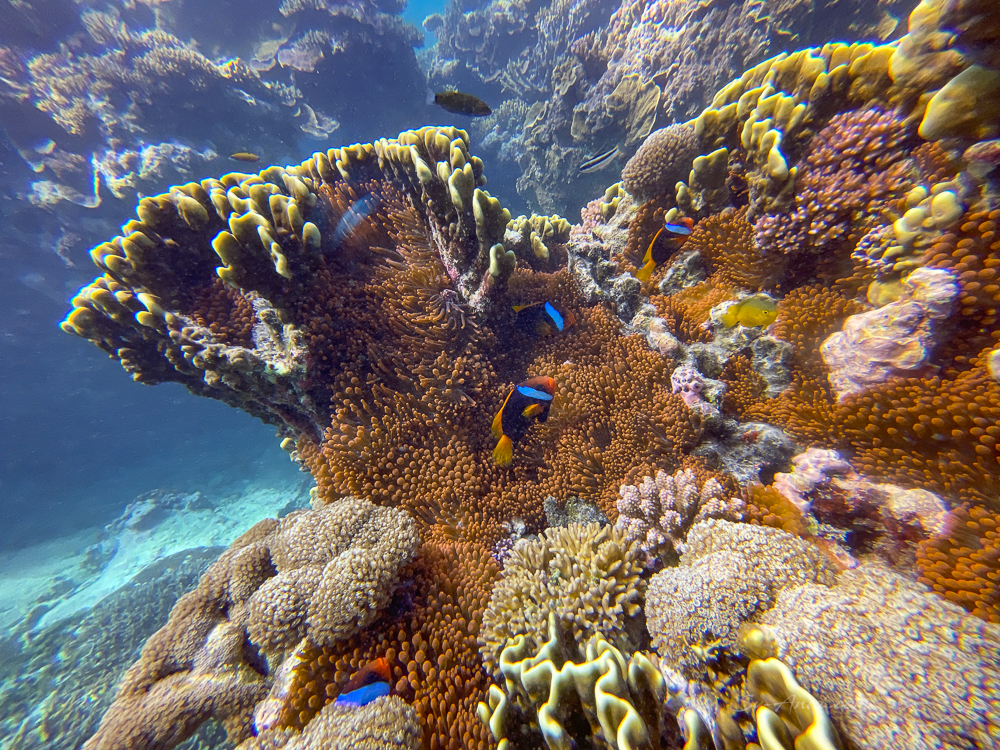
My iPhone 12 does not take photos in RAW, only JPEG which limits what can be done in post production, but later models do.
An advantage of using a smartphone underwater is that you can easily record little videos… something the Olympus does not do as well. The clarity and colour were good. I need to practise panning steadily and zooming in and out while filming, but this will improve with practice.
We have included a short clip I took. However let it be known that I am a photographer, not a videographer! So although we might just record the odd video, you won’t see us turn into YouTubers.
Till recently a major deterrent to using the phone for underwater photography while offshore was the file transfer from the iphone to a Windows 10 laptop, where all the editing gets done. Of course if you work with an iPhone and iPad or Mac, you don’t have the same issues. This explains why it took so long for me to have a go! Without internet access we were unable to sync the photos to iCloud until we got back to shore – weeks later. But now that we have Starlink, we can more easily handle file transfers. It is a bit clunky but works.
Overall, although I have not been convinced I should retire the Olympus and use my phone for underwater photography exclusively, it is nice to have an alternative and fun to experiment with different tools. I got some great images on my test dives that surprised even me. I found the Sealife Sportdiver Smartphone Housing easy to use and would recommend it to any diver looking for a simple and cost effective underwater camera. It is lightweight for travelling, another plus.
Thank you Wadie for spoiling me and feeding my photography passion. A nice birthday present!
So would take your smartphone down below?


 Sv-Anui
Happy Birthday, Chris! I think the iPhone 12 did a fine job in the video. I would be scared to put my iPhone 12 Pro underwater! That model can shoot in RAW though, it’s odd that yours won’t. I am also using an application called Camera Pro, maybe that is why it shoots in RAW, but I am not sure. Beautiful photos, and enjoy your Star Link. ❤️🇦🇺
Thanks John for the birthday wishes! When I bought the phone The Pro was available but costed another $600 so I passed… I regret it now… another lens, better sensor etc… I was not thinking camera then!
You are welcome, Chris! These phones are so darn costly that it’s ridiculous but consider the benefits. The 14 is out of course, but I am going to wait until this autumn to get the iPhone 15 unless I don’t like the updates. Be safe! 😊🇦🇺
I reckon it’s terrific!!
We were considering a housing option for our phones and this is great. Thanks for all the info and demonstrating the benefits. Well done guys…and best wishes Chris.
Waz
Hi Waz – it is a good alternative, especially if you don’t have underwater camera gear already.
A huge happy birthday . . . may a year of bells and whistles be coming up 😉 ! Loved the read . . . my two landline phones seem glad they do not have to get wet . . . !
Thanks Eha! I’ll take any bells and whistles I can get!
Have a great birthday Chris, full of fun love and adventure. As it will be in the coming year. Interesting bit of kit, have fun with it.
Thanks Sue! Nice chatting with you earlier today!
Nice to read this story and see the images and video!
Many happy returns of the day Chris 🙂
Thanks Murray.
Happy birthday Chris! Surprisingly good pics underwater with your new toy. More underwater movies coming??
Thanks Elgar… maybe a video clip here and there.
Hmmm … nup! Maybe?! Think I value my iPhone too much to take the risk. I also have two underwater cameras which I’m happy with. The ‘maybe’? I have read articles about using an iPhone for under-over shots. A large acrylic dome lens can be attached, but I’m not sure about which housing. So I have thought about it!
Yes the dome with the trigger handle… something else in my collection and used specifically for split shots. It is the AxisGO, also available from Underwater.com.au